Guide
Sort Options
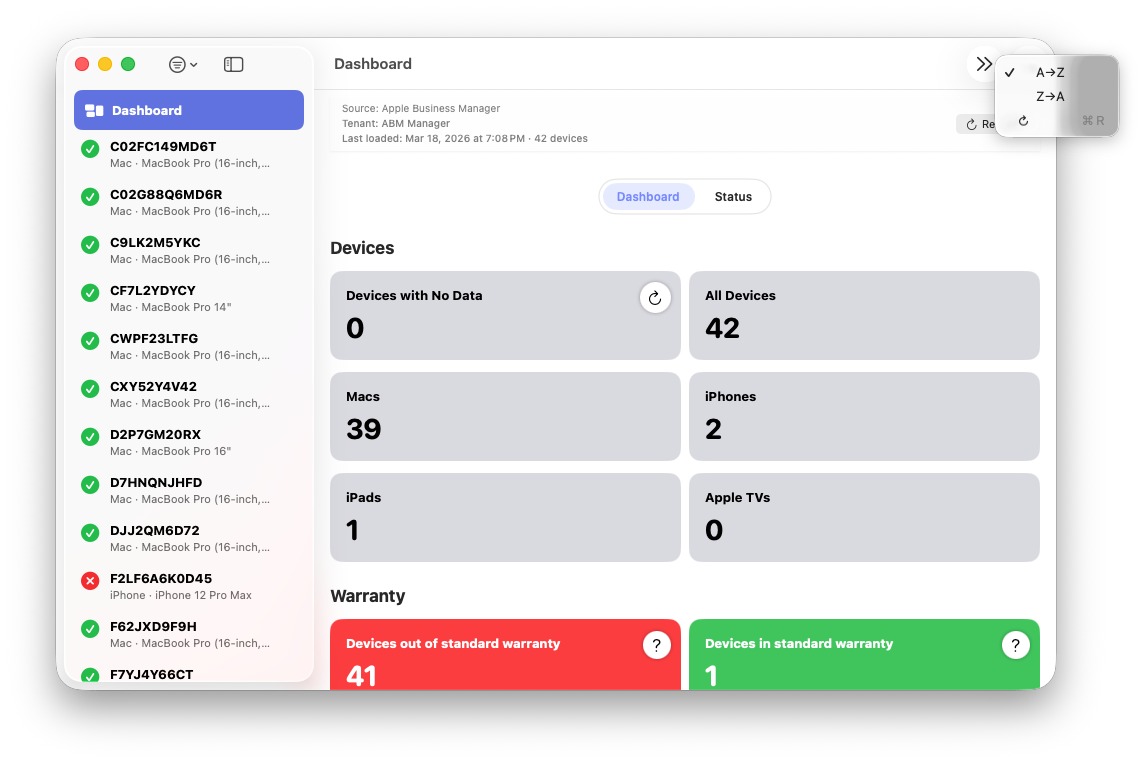
ABM Warranty supports sorting the device list by serial number in either ascending (A→Z) or descending (Z→A) order. Sorting is applied after filters, ensuring that the displayed device list remains stable and predictable.
The selected sort order affects:
- The device list shown in the sidebar
- Keyboard and navigation-based device browsing
- Dashboard-driven selections and transitions
- CSV exports generated from the current view
Sort order is a per-session presentation preference. It remains active while navigating between devices, applying filters, or viewing device details, but does not alter stored device data or import behavior.
Sorting operates independently per tenant. When switching tenants, the current sort order is reapplied to that tenant’s device list without modifying its underlying data.
Sorting does not impact import performance, API requests, or coverage evaluation. It affects only how devices are displayed and exported.